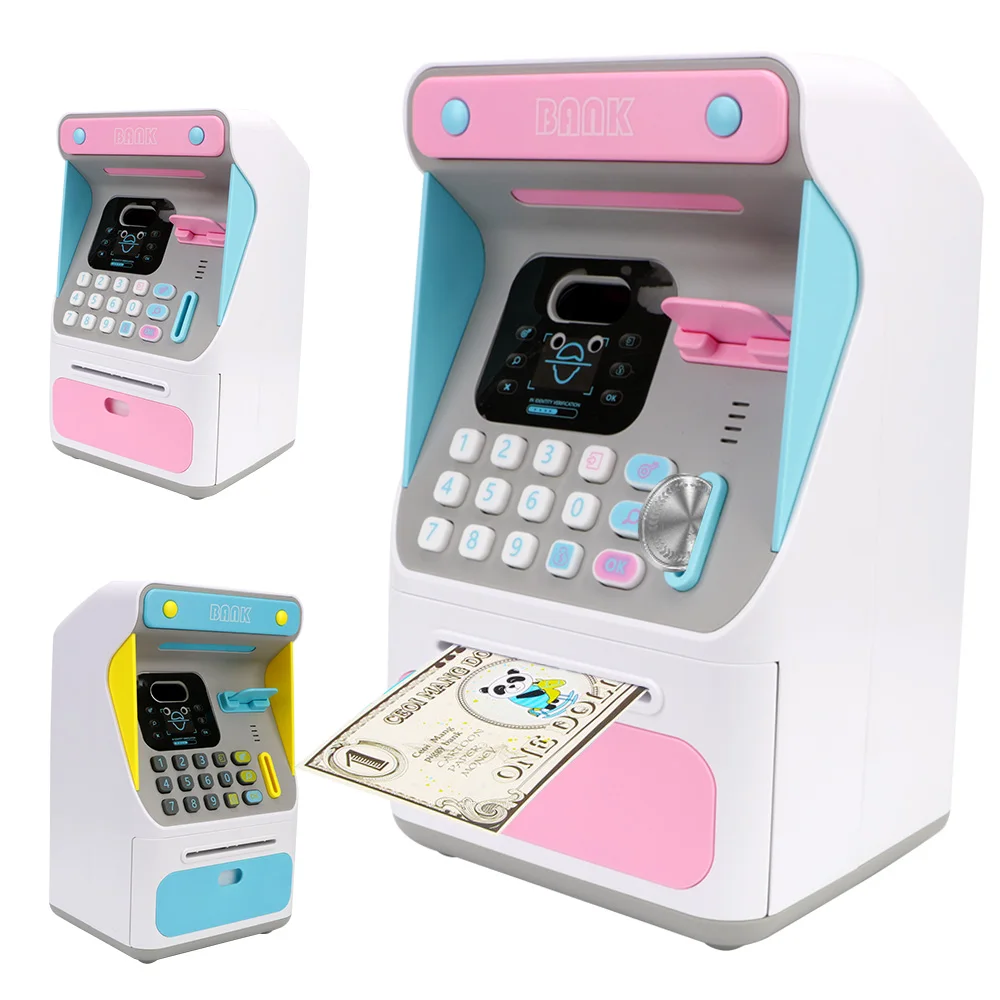
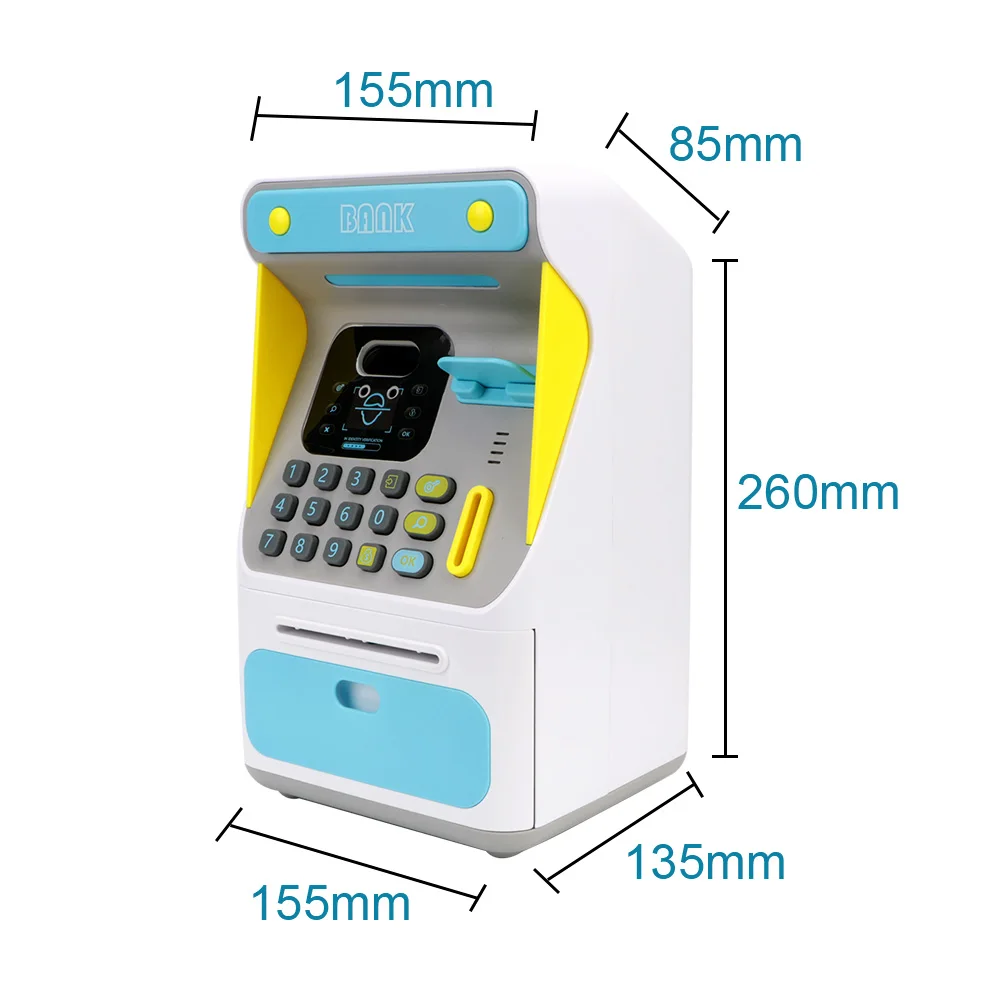
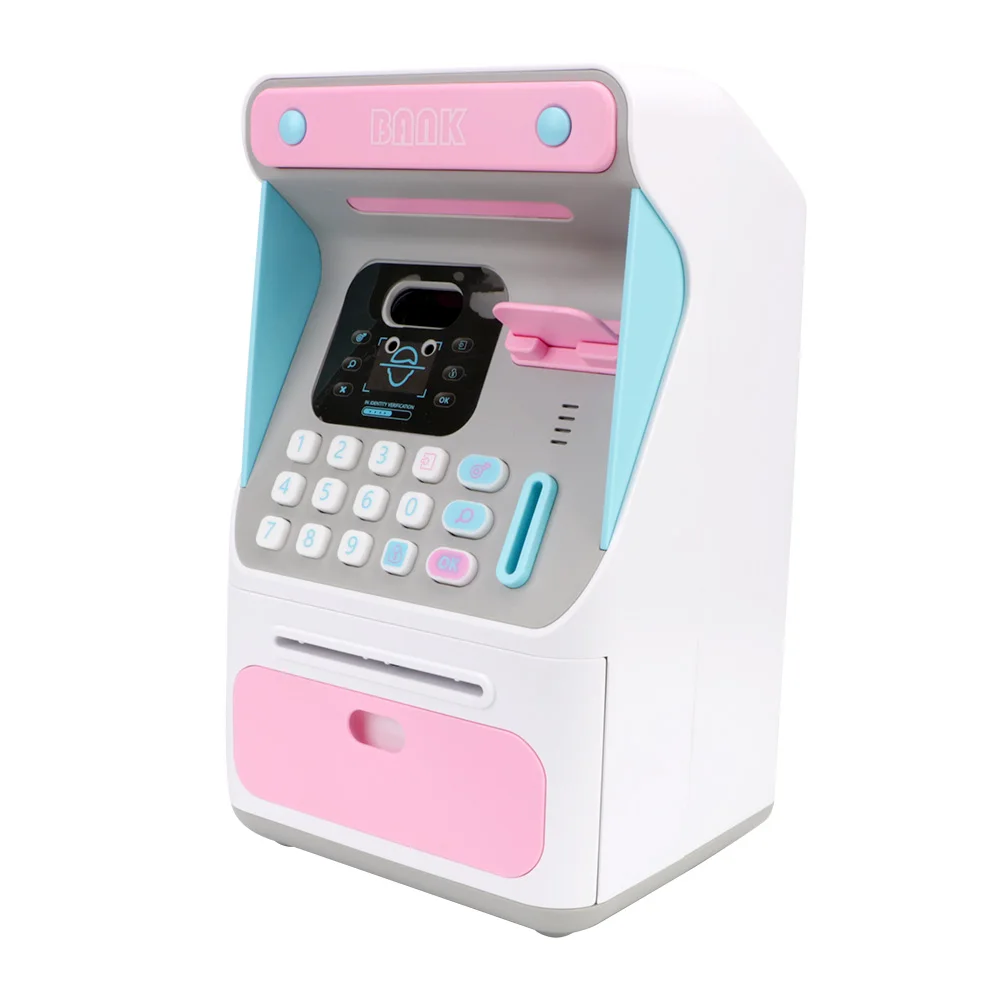
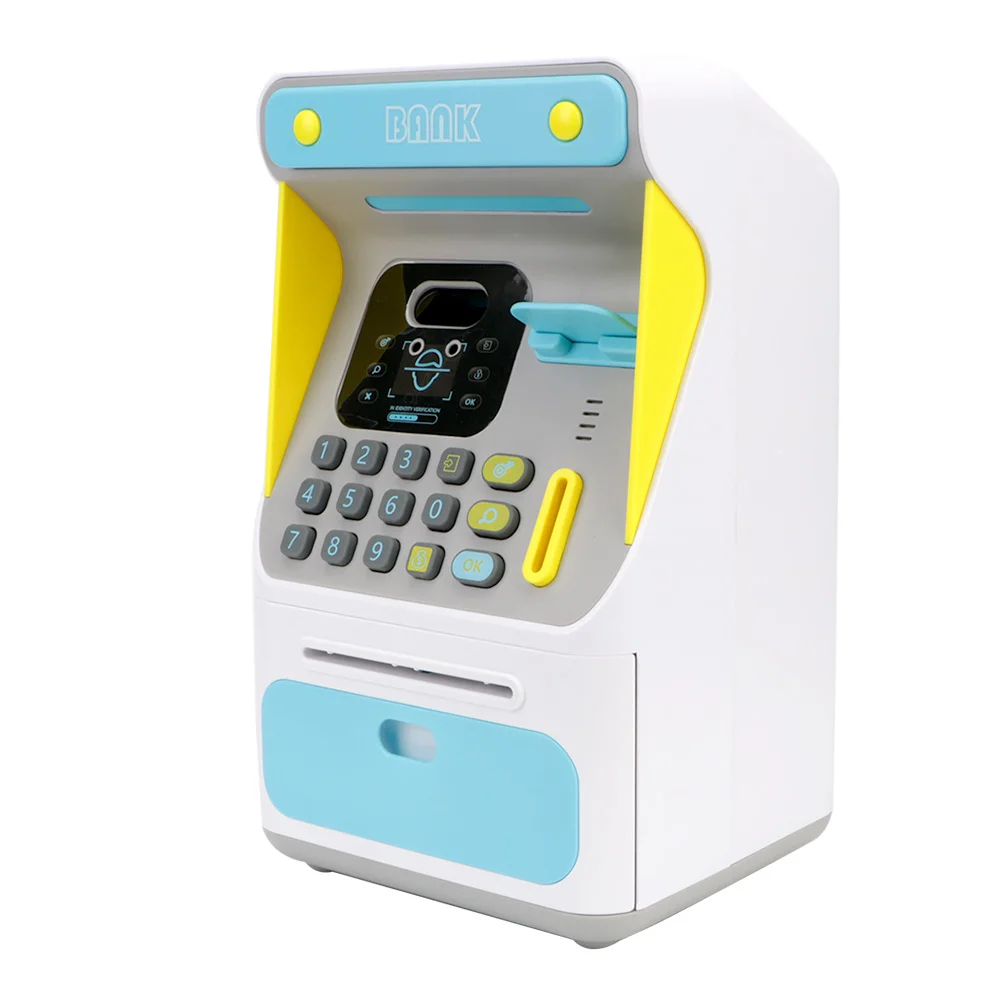
Simulated Face Recognition Money Boxes Electronic Piggy Bank ATM Machine Cash Box Gift For Kids Auto Scroll Paper Banknote


Simulated Face Recognition Money Boxes Electronic Piggy Bank ATM Machine Cash Box Gift For Kids Auto Scroll Paper Banknote
SPECIFICATIONS
Brand Name: NONE
Choice: yes
High-concerned chemical: None
Origin: Mainland China
Recommend Age: 3-6Y,6-12Y
Features:
Made of ABS Material, Safe and Durable.
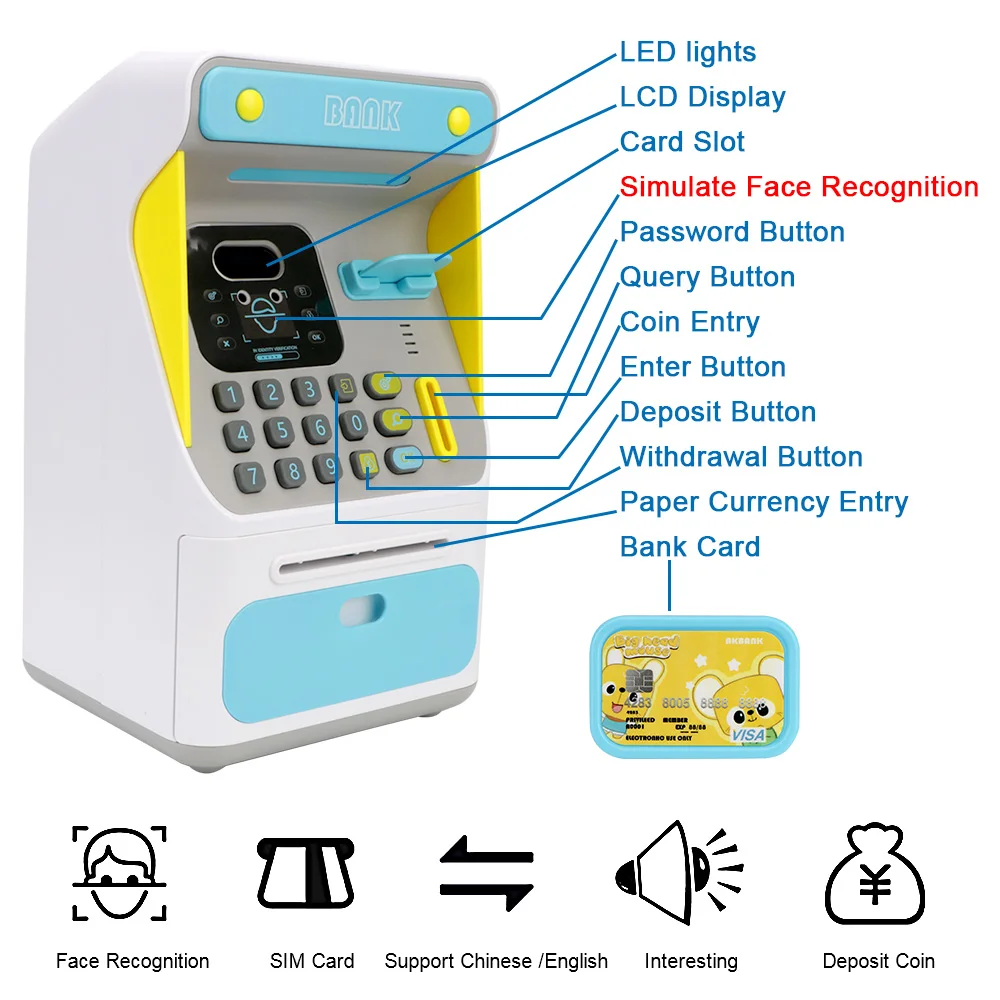
Electronic password protection, enter the correct password to open it.
The password can be changed by yourself.
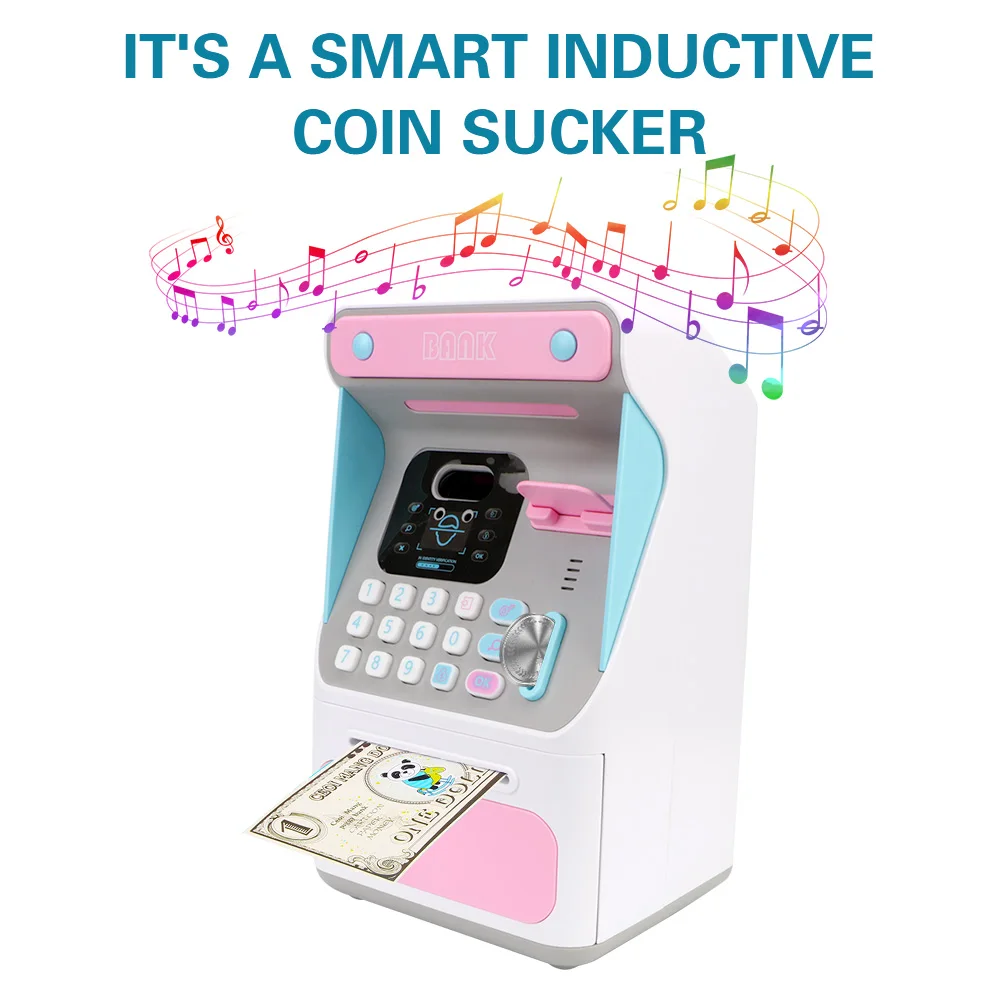
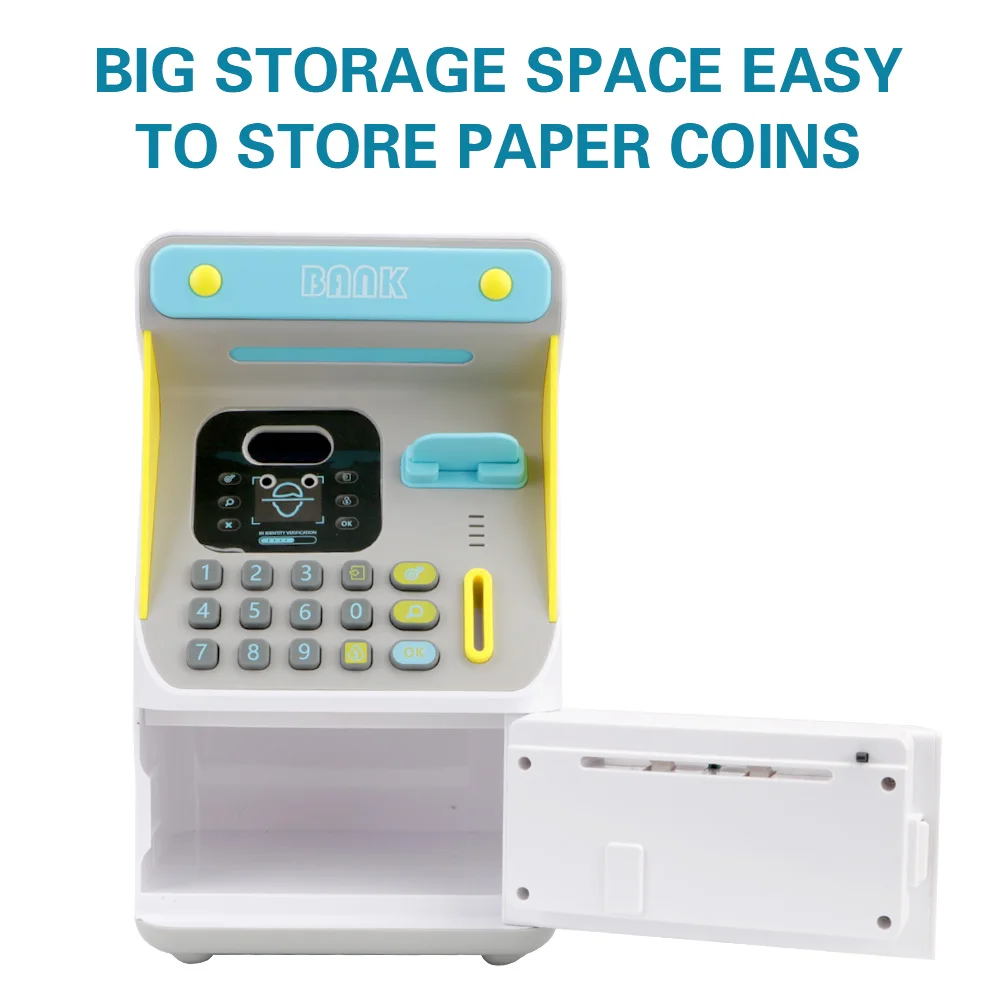
Large storage space, can store banknotes, coins and small items, can hold about 600 coins.
Automatic money roll function make saving money fun.
Let children learn how to manage money, also can be used as ornament for the room.
A perfect gift saving pocket money for the kids.
Specification:
Material: Plastic + electric component
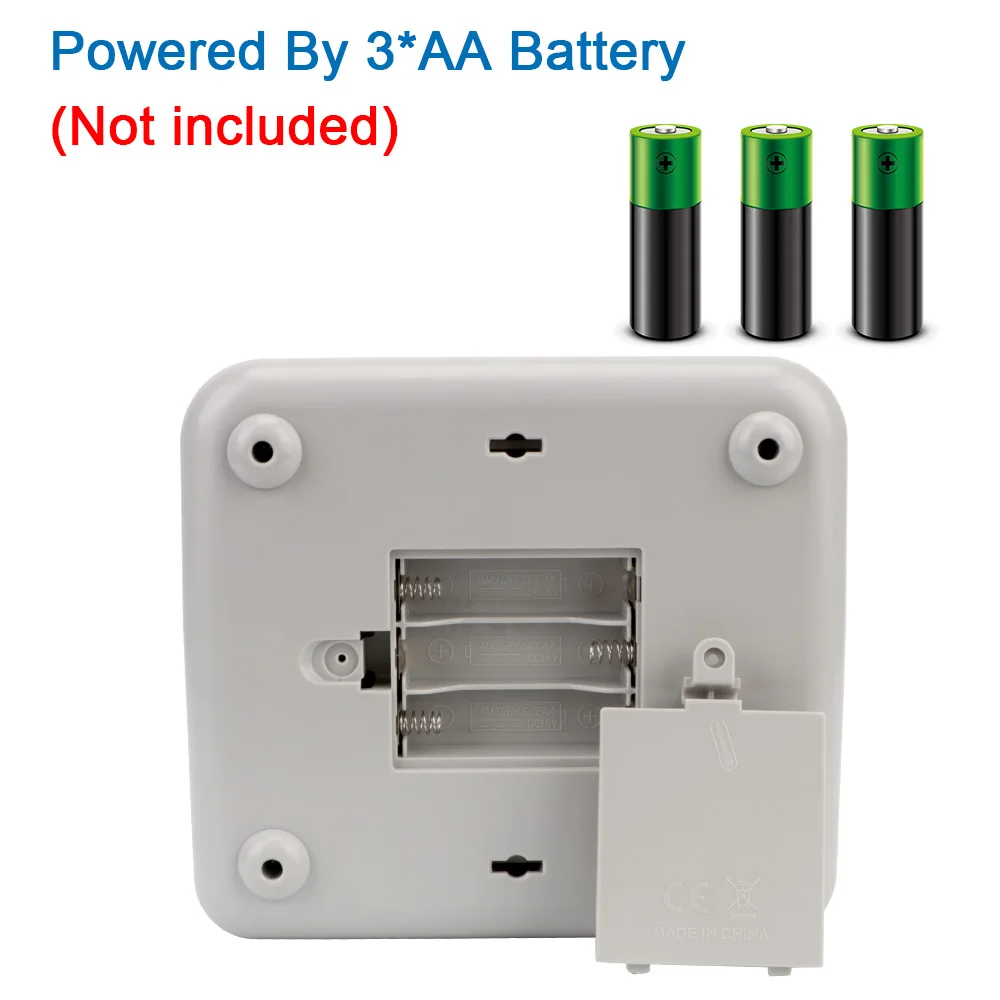
Battery: 3* AA batteries(not included)
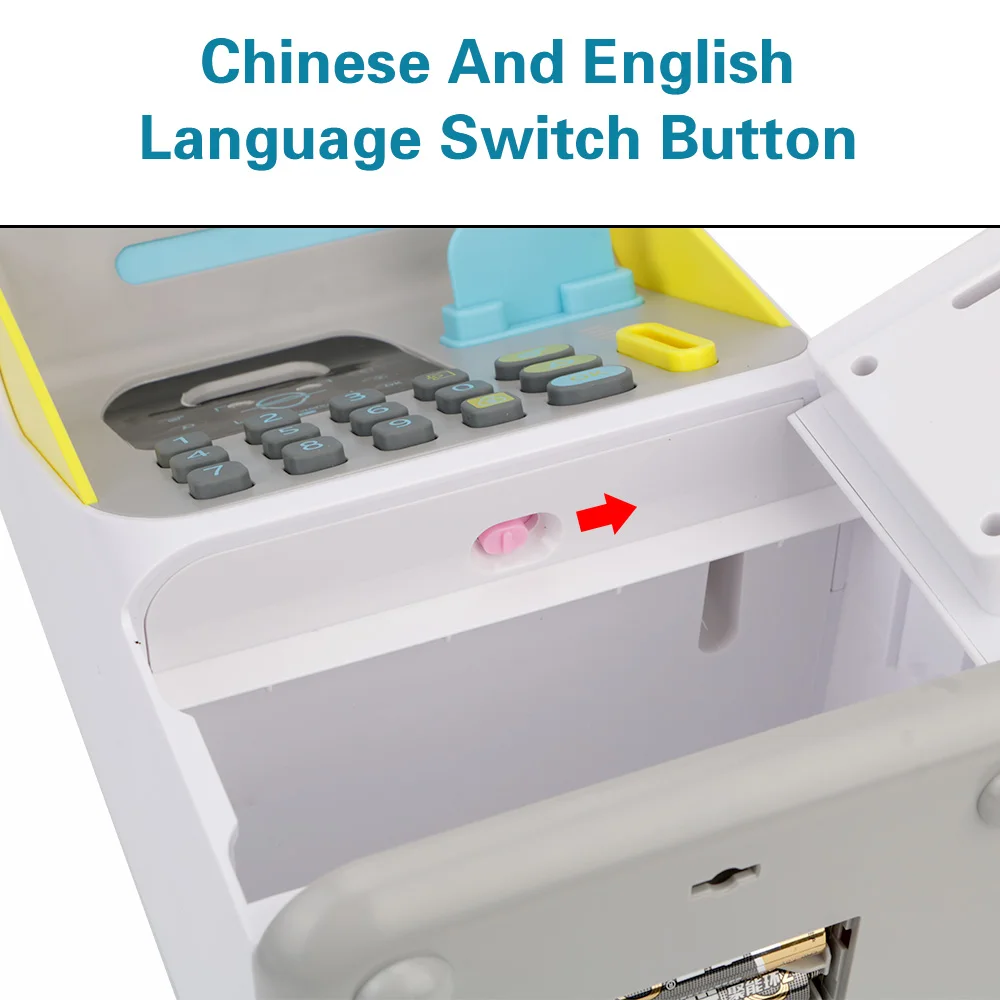
Language: Chinese and English
Use Instructions:
1. First equipped it with 3 grain of "AA batteries before using.
Before operating any commands, you need to insert your bank card to activate ATM.ATM machine original password: 000.
2.Please follow these steps to use the ATM:
①Deposit operation for ATM.
Insert the bank card, then the deposit button, enter the deposit amount press according to the voice prompt and press the deposit button.
②Withdrawal operation for ATM.
Insert the bank card, input the withdrawal amount, press the withdrawal button, enter the bank card password "000" according to the voice prompt, press the "OK" button to identify the face, and open the withdrawal box door to withdraw money. (If the input amount is greater than the bank card balance, the voice prompt is insufficient.)
③ Bank card password reset.
Insert the bank card, long press the ATM password button, enter the old password according to the voice prompt, and then enter the new password. The bank card password is successfully changed.
④ Bank card balance inquiry.
Insert the bank card, press the ATM query button, enter the password to the voice prompt, press the "OK" button for face and according the b ank card balance appears successfully on the Streen recognition
Note:
About face recognition: just put any person's face in front of the money box.
Package: 1 * ATM Machine Cash Box